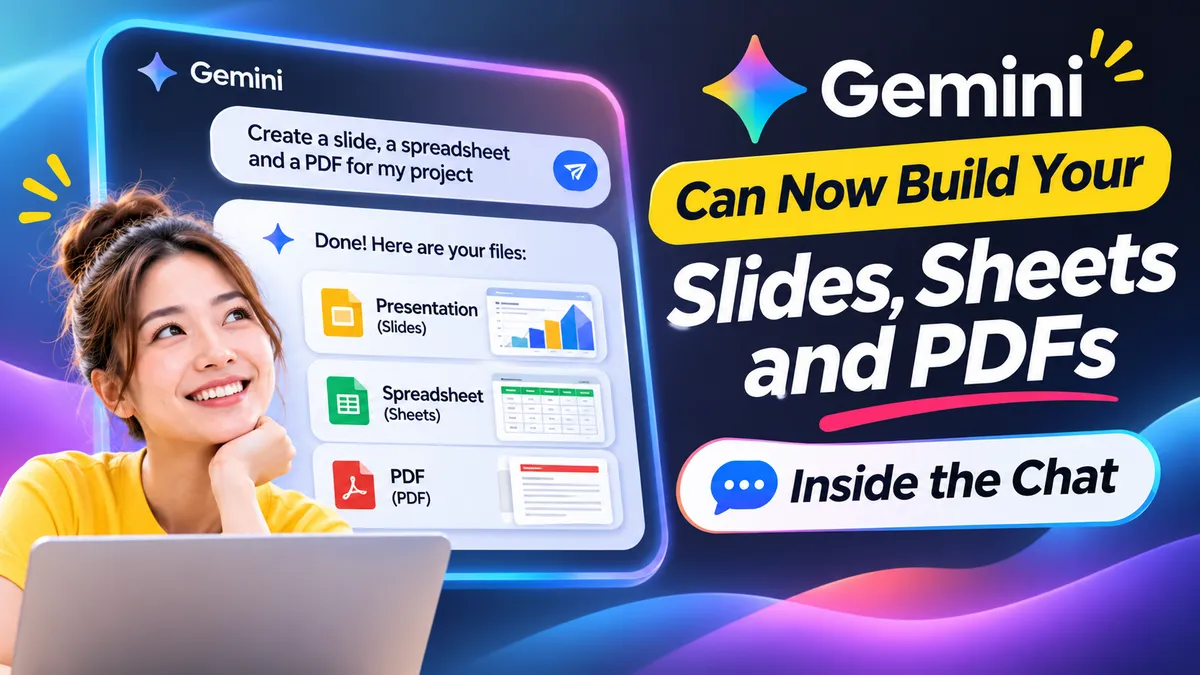
Gemini Can Now Build Your Slides, Sheets and PDFs Inside the Chat
Hello, business friends!
On 29 October 2026 Google switched on something useful in the Gemini app. You can now make a file inside the chat, see it, and edit it there. No copy and paste into another app.
What changed
Before this, Gemini gave you text and you moved it somewhere yourself. Now Gemini builds the actual file.
Slide decks. Ask for a deck, look at it in the chat, then open it in Google Slides or download it as PPTX or PDF.
Spreadsheets. Describe a tracker or a table and Gemini builds it. Open it in Google Sheets after.
PDFs and documents. Draft and edit PDFs, Google Docs, Markdown and plain text files, then upload them to Drive.
You can go full screen to type your own edits, highlight a line to ask about it, or ask Gemini to rewrite a part.
One limit. PDF preview and editing work on web and phone. Documents, spreadsheets, slide decks and code are web only for now, so do this on a laptop.
Who can use it
Google says it is available now to all users, in every language where the Gemini app works. That includes Workspace accounts, Workspace Individual, and plain personal Google accounts. A seller with a normal Gmail can try it today.
Google published no price in this announcement, so we give no ringgit figure. Check your own Gemini plan before assuming anything is free beyond your current limits.
Why a TikTok Shop seller should care
Think about the admin work around your shop. A product sheet for a new supplier. A stock and cost tracker. A short deck when you pitch a brand for affiliate work. A PDF price list for WhatsApp. Most sellers either skip these or spend an evening making them look passable. This turns that into a prompt and ten minutes of tidying.
What to do this week
Open Gemini on a laptop and try one real job. Ask it to build a spreadsheet of your top twenty products with columns for cost, selling price, TikTok Shop fees and profit per unit. Fill one row yourself so it copies your format, then open it in Google Sheets. If it saves an hour, keep it.
Hai rakan usahawan!
Pada 29 Oktober 2026, Google hidupkan sesuatu yang berguna dalam app Gemini. Anda kini boleh buat fail terus dalam chat, lihat fail itu, dan sunting di situ juga. Tidak perlu salin tampal ke app lain.
Apa yang berubah
Sebelum ini Gemini bagi teks sahaja dan anda pindah sendiri. Sekarang Gemini bina failnya.
Slaid. Minta satu deck, tengok dalam chat, kemudian buka dalam Google Slides atau muat turun sebagai PPTX atau PDF.
Spreadsheet. Terangkan tracker atau jadual yang anda mahu dan Gemini bina. Lepas itu buka dalam Google Sheets.
PDF dan dokumen. Tulis dan sunting PDF, Google Docs, Markdown dan fail teks biasa, kemudian muat naik ke Drive.
Anda boleh buka skrin penuh untuk taip sendiri, serlahkan satu ayat untuk bertanya, atau minta Gemini tulis semula satu bahagian.
Satu had. Pratonton dan suntingan PDF berfungsi di web dan telefon. Dokumen, spreadsheet, slaid dan kod hanya di web buat masa ini, jadi buat di laptop.
Siapa boleh guna
Google kata ia tersedia sekarang kepada semua pengguna, dalam setiap bahasa di mana app Gemini berfungsi. Termasuk akaun Workspace, Workspace Individual, dan akaun Google peribadi biasa. Penjual dengan Gmail biasa pun boleh cuba hari ini.
Google tidak umumkan harga dalam pengumuman ini, jadi kami tidak beri angka ringgit. Semak pelan Gemini anda sendiri sebelum anggap semuanya percuma.
Kenapa penjual TikTok Shop patut ambil tahu
Fikir kerja pentadbiran kedai anda. Maklumat produk untuk pembekal baharu. Tracker stok dan kos. Deck pendek bila pitch jenama untuk kerja afiliat. Senarai harga PDF untuk WhatsApp. Kebanyakan penjual langkau kerja ini atau habiskan satu malam buat ia nampak elok. Ini tukar kerja itu jadi satu arahan dan sepuluh minit kemas.
Apa perlu dibuat minggu ini
Buka Gemini di laptop dan cuba satu kerja betul. Minta ia bina spreadsheet dua puluh produk terlaris anda dengan lajur kos, harga jual, yuran TikTok Shop dan untung seunit. Isi satu baris sendiri supaya ia ikut format anda, kemudian buka dalam Google Sheets. Kalau ia jimat sejam, teruskan guna.
Nak belajar guna AI untuk konten dan operasi kedai dengan betul? HyperGrowth Media & Academy ada latihan yang boleh anda ikut.
HyperGrowth Team